
Give a user a cash register
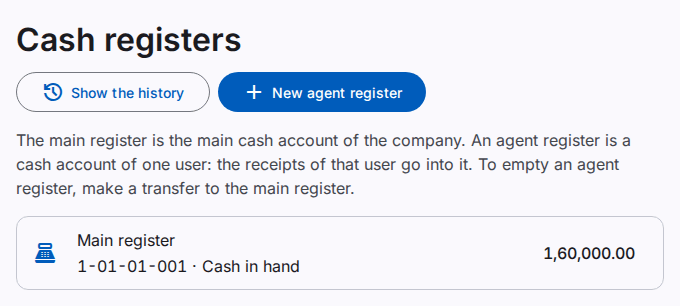
A cash register shows how much cash a person holds. The main register is the main cash account of the company. An agent register is a cash account of one user, for example a field agent who collects money from customers.
You must have the Manage cash registers permission.
Add an agent register
- On the Cash registers page, select New agent register.
- Select the User.
- Select Make a new cash account. Or, select a cash account that has no register.
- Select Save.
A new account gets the name "Cash – name of the user". You can change the name in the chart of accounts.
How an agent register works
The receipts of the user go into the agent register. The user cannot select another account, unless the user has the Use any cash register permission.
At the end of the day, record a transfer from the agent register to the main register. The handover with a count and a shortage or excess comes in a later release.
Deactivate a register
- Make sure that the balance of the register is zero.
- Select Deactivate on the row. Select Deactivate again to confirm.